
Long Story Short [Ongoing v0.11a0.1]

Game Information
Overview
Long Story Short is an adult Ren'Py game developed by TTrickGames.
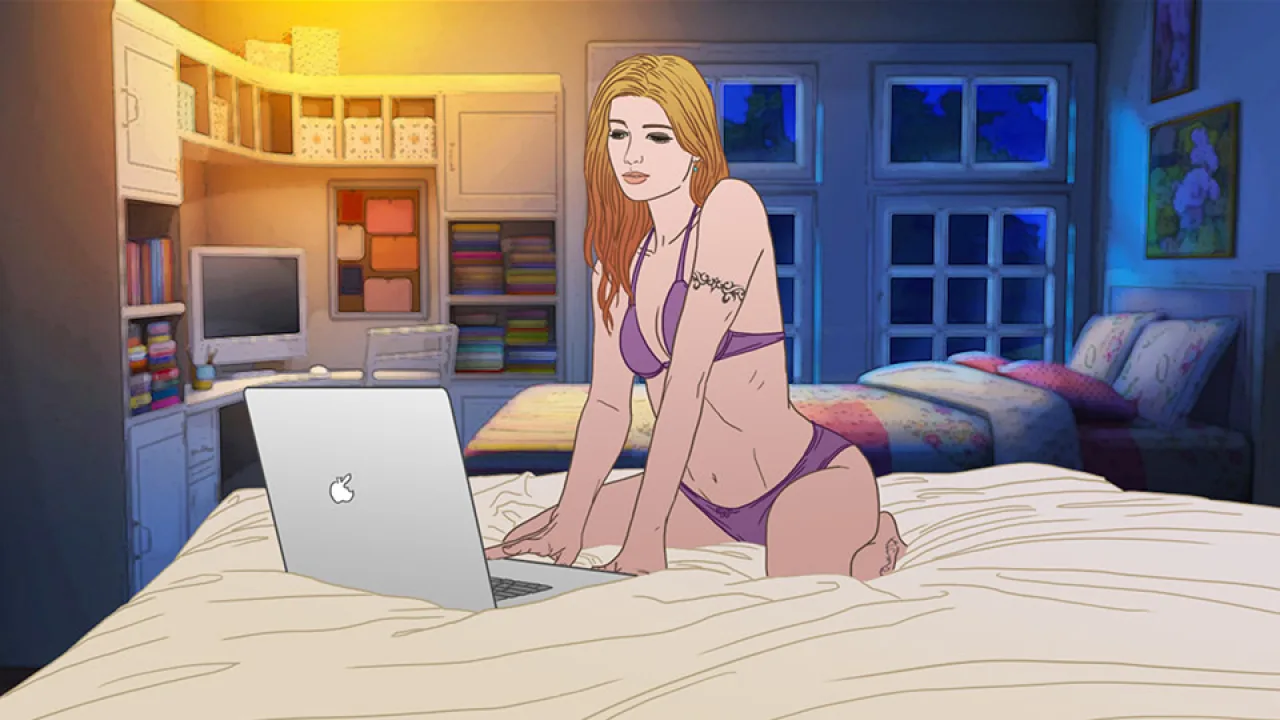
An introverted young man lives a quiet existence, spending his days immersed in digital spaces rather than navigating real-world relationships. His comfortable isolation begins to unravel when his childhood friend, Joe, experiences a radical lifestyle change and resolves to pull him out of his shell. Thrust into unfamiliar social gatherings, parties, and weekend road trips, he suddenly encounters expressive young women who actively challenge his timid worldview.
Among them are Vanessa, Joe's alluring partner, and Ann, her reserved companion whose quiet demeanor mirrors his own former hesitations. As shared outings and private conversations intensify, he faces pivotal choices to nurture meaningful romance, pursue tempting desires, or recklessly disrupt established friendships.
Changelog
Version history and update release notesUpdated to v0.11a0.1
- Completed chapter branches and resolved progression flags for v0.11.
- Added missing animated sequences for Vanessa's hotel encounter.
- Expanded Emily's relationship progression with nuanced decision paths.
- Added keybind toggle support to hide or display the text overlay.
- Introduced an integrated help menu detailing all shortcut controls.
System Requirements
Long Story Short Download Links
How to Install?
1. Download the preferred mirror file for your operating system.
2. Extract the archive using 7-Zip or WinRAR.
3. Run the executable file to launch the game.
Frequently Asked Questions about Long Story Short
How do I install Long Story Short on Android?
Download the APK package from the mirror list, enable unknown app installations in your Android device settings, install the file, and launch the game directly.
Is Long Story Short fully uncensored?
Yes, all character models, intimacy sequences, and narrative CGs are completely uncensored with no mosaic bars or omitted scene files.
Can I carry over save files from previous versions?
Yes, save files from v0.10 are backward compatible; place your save files into the game's saves directory before launching v0.11.
How do I toggle the dialogue text overlay during scenes?
Press the 'O' key on your keyboard to instantly hide or reveal the dialogue box and interface overlay during cutscenes.
Does Long Story Short run natively on macOS?
Yes, the Mac release is bundled as a native macOS application bundle, requiring only extraction without external emulators.



Comments (0)