
The College [Ongoing v0.72.0]
Game Information
Overview
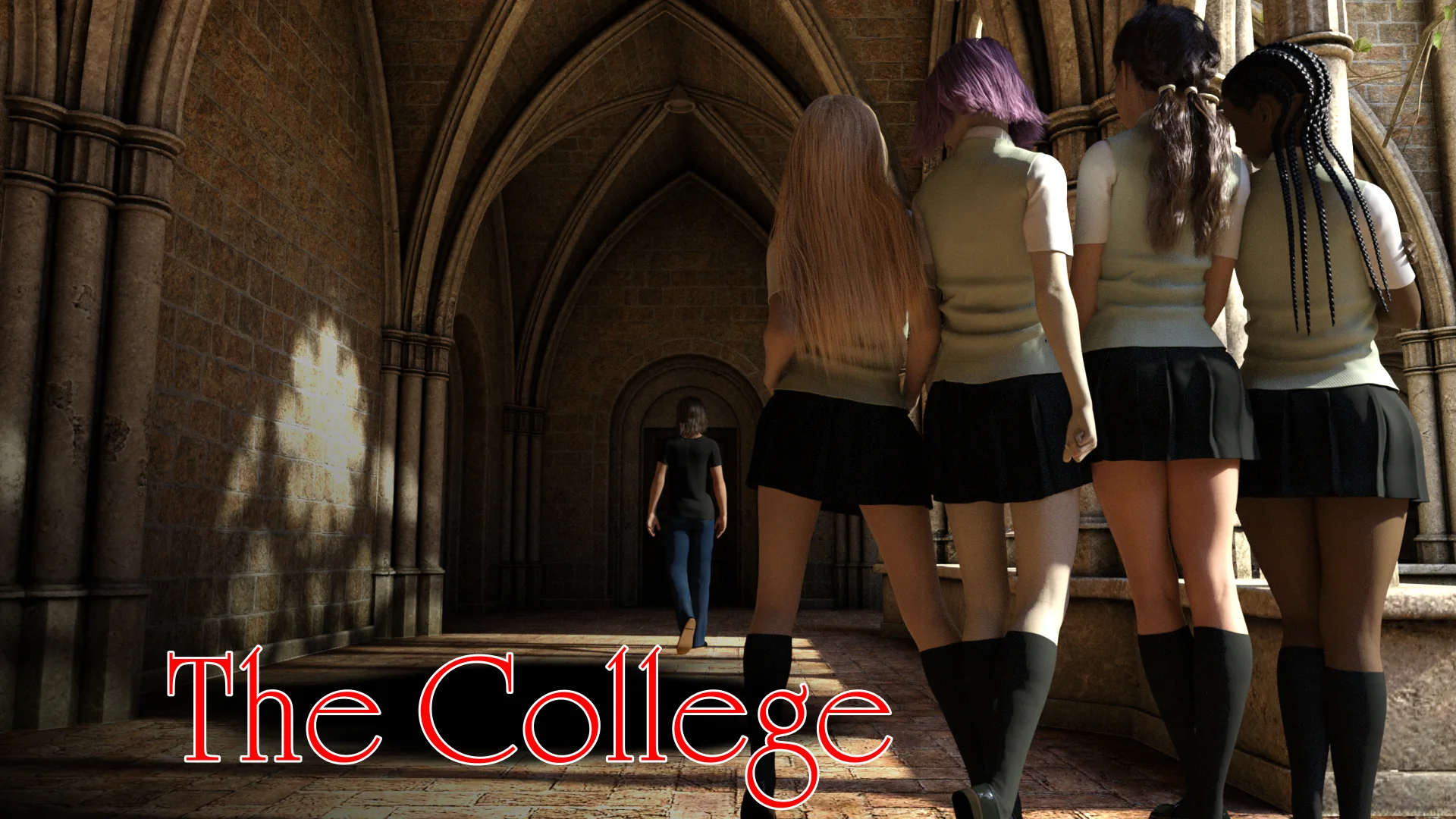
The College is an adult Ren'Py game developed by Deva Games.
The College: Complete Sorority Choices & Progression Guide
Master every campus social dynamic, fraternity exam, sorority initiation, and romantic progression tree with our verified master walkthrough. Includes day-by-day schedules, stat prerequisites, and secret gallery scenes.
Changelog
Version history and update release notesUpdated to v0.72.0: Added new events for multiple characters.
v0.72.0: Added new events for multiple characters.
Updated to v0.70 Content & Optimization Update
- Added continuation chapters with new character interactions and branching choices.
- Over 200+ high-definition renders added with new animations.
- Fixed dialogue desync and scene transition stutter on Android.
- Updated UI responsive scaling for mobile touch screens.
Updated to v0.68 Story Expansion Update
- Expanded secondary character side quests and unlockable gallery rewards.
- Integrated 180+ new images and 20 new animated render sequences.
- Rebalanced interactive minigames and added optional skip toggles.
- Soundtrack refreshed with original background music tracks.
Updated to v0.66 Milestone Feature Release
- Major storyline progression covering key character route conclusions.
- Added walkthrough hints and in-game choice indicators in quest menu.
- Optimized texture cache to reduce memory consumption on low-end devices.
- Resolved save data corruption bugs during chapter transitions.
Updated to v0.64 Public Beta Build
- Initial public milestone release featuring prologue and early chapters.
- Multi-platform compatibility build for Windows PC, Mac, and Android APK.
- Core romance routes and basic event system introduced.
- Added support for high-DPI displays and customizable text speed.
System Requirements
The College Download Links
How to Install?
1. Download the game file below.
2. Extract the zip archive.
3. Run the executable to play.
Frequently Asked Questions
What are the cheat codes for The College and how do I access the cheat menu?
The cheat menu in The College is accessed from your student dorm room by clicking the stats button (green icon) on your desk. In version New Version 0.72.0, entering the cheat code allows you to boost your character attributes (Mental Health, Intellect, Physical, and Wealth) and instantly grant cash. If you are playing older builds, common codes include 314341 (v0.65) and 458026 (v0.64). Alternatively, our 100% completed save file unlocks all scenes and stats automatically.
How do I update The College APK on Android without losing my saved game progress?
To update The College on Android without losing your story progression, download and install the new APK directly over your current game installation. Do NOT uninstall the old APK first, as Android will purge your app data directory containing your save files. Ensure your phone has at least 2.5 GB of free internal storage.
Where are the save file locations for The College on Windows PC and Android?
On Windows PC, save files are stored in %APPDATA%/RenPy/TheCollege/ or inside the game directory under game/saves/. On Android, saves reside in Android/data/com.devagames.thecollege/files/saves/. Always back up your .save files before upgrading.
How do I unlock the FBI investigation storyline and join the secret Lodge?
To trigger the FBI storyline and gain access to the prestigious Baskerville Lodge, you must maintain high Mental Health and Intellect stats by studying and visiting the campus library regularly. Once your stats meet the threshold, meet Dr. Zhang during office hours and accept the special research assignment to initiate the covert FBI route.
Can I transfer save files between PC and Android in The College?
Yes. Because The College is powered by the Ren'Py visual novel engine, all .save files are cross-platform compatible. Copy your save files from %APPDATA%/RenPy/TheCollege/ on PC into Android/data/com.devagames.thecollege/files/saves/ on your Android device using a file manager like ZArchiver.
How do I fix a black screen or crash on startup in The College?
If you experience a black screen or freezing upon launch, press Shift + G on your keyboard as the game starts up to open Ren'Py's graphics configuration menu. Change the renderer from DirectX to OpenGL or Software mode, then restart the game.
How do I romance Rose and Amelie without getting locked out of their scenes?
Rose and Amelie have specific time-slot schedules on campus. To advance Rose's route, attend her evening study sessions and choose supportive dialogue options. For Amelie, prioritize her weekend dormitory events. Avoid conflicting dialogue triggers that prioritize rival sorority members during key decision milestones.
Is The College completed or still receiving new episodic updates?
The College is an ongoing episodic visual novel developed by Deva Games. Version New Version 0.72.0 delivers the newest chapter with expanded Baskerville university content, new 3DCG animations, and continuation of the main character storylines.


Comments (0)